Signing In: Google, Microsoft, Email, and Password Recovery
Every way into your Aspectr account: Google and Microsoft OAuth, email + password with verification, password resets, and what guests can do before signing up.
There are three ways into an Aspectr account — Google, Microsoft, and email + password — plus a guest mode that lets you try the tool before creating one. This guide covers all of them, along with email verification, password recovery, and what happens when you arrive via a team invite.
The three sign-in methods
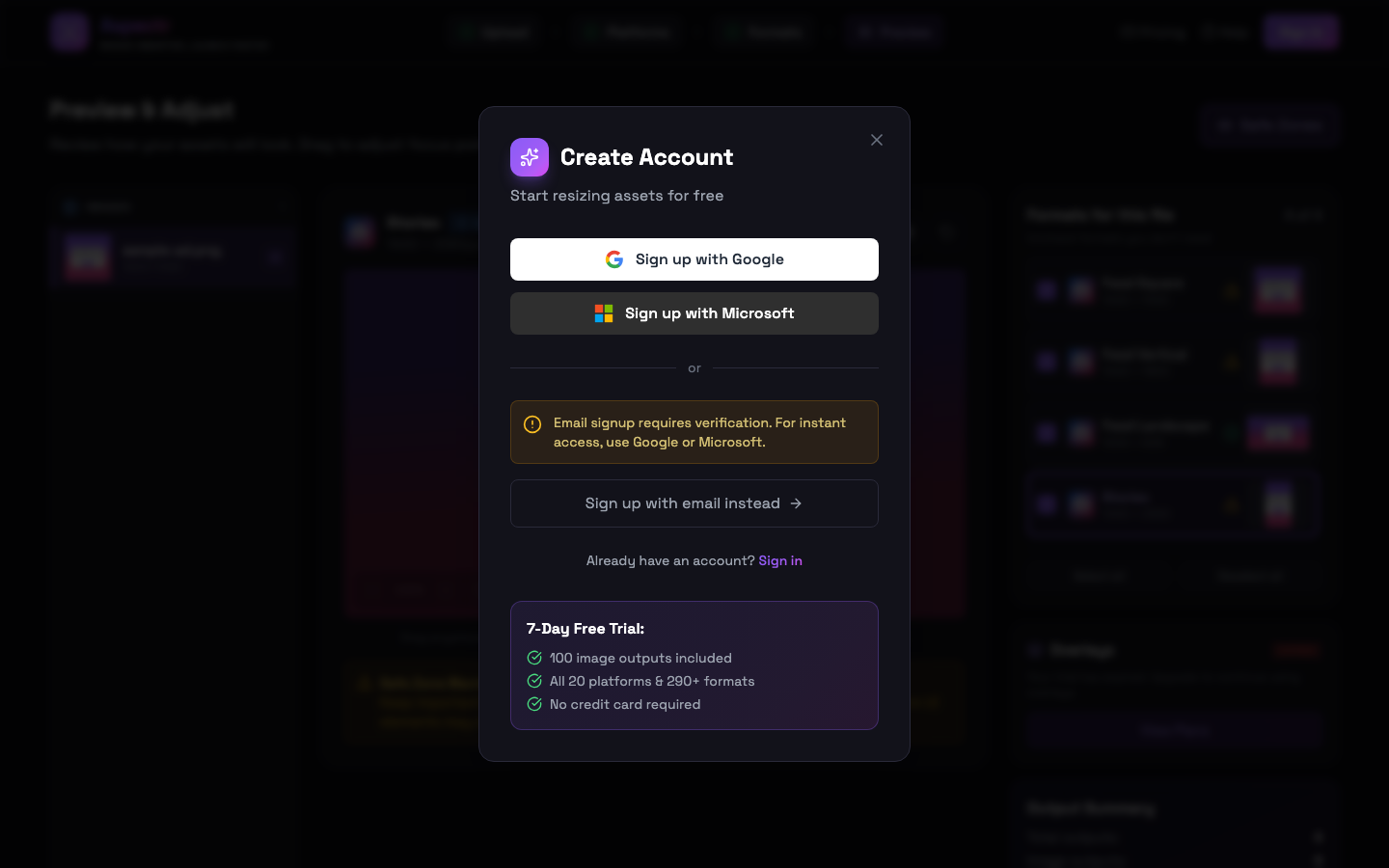
- Google and Microsoft — one click, no separate password. Authentication happens through your existing Google or Microsoft account.
- Email + password — classic signup with email verification (below).
Email signups verify your address first
Signing up with email lands you on a check-your-email screen, and the confirmation link in that email activates your account. If it doesn’t arrive:
- Use the resend button on the check-your-email screen.
- The signup screen offers quick links to Gmail, Outlook, and Yahoo that jump straight to your inbox.
- Check your spam folder — verification emails occasionally land there.
Password requirements
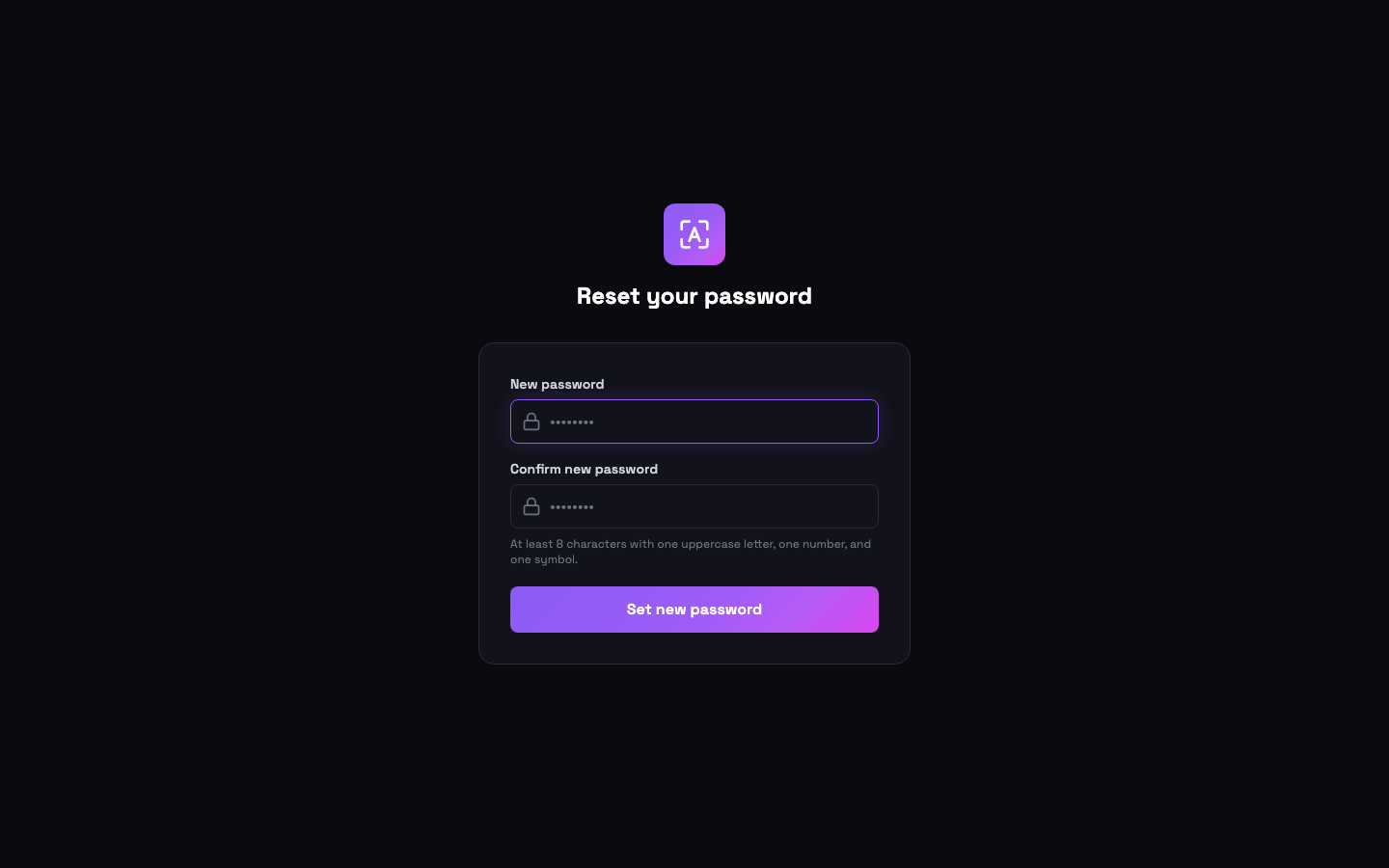
The password policy at signup: At least 8 characters with one uppercase letter, one number, and one symbol. The same rule applies when changing or resetting a password later.
Forgot your password?
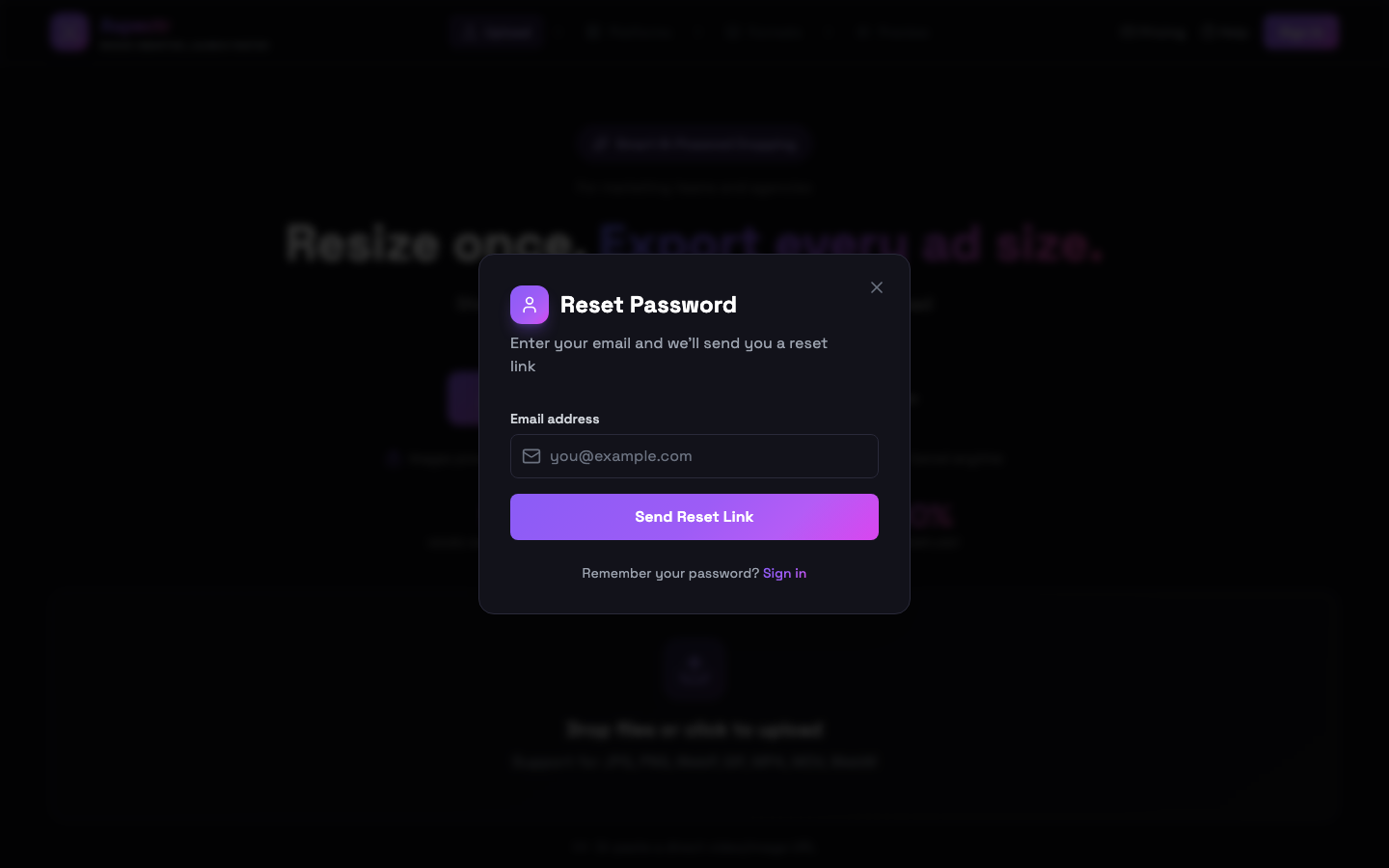
Click Forgot password? on the sign-in screen and enter your email. Aspectr sends a reset email whose link opens a dedicated set-new-password page. Two things to know:
- Reset links are time-limited and single-use. If a link fails, request a fresh one from the sign-in screen and use it right away.
- If you are already signed in, don’t use the reset flow — change your password directly under Settings → Security instead.
Guest mode: try before you sign up
You can upload, process, and preview without any account — up to 25 image outputs and 1 video minute. Downloading is where the account requirement kicks in: the download button opens a free-signup gate. Your in-progress work is preserved through the signup redirect and restored afterwards, so you pick up exactly where you left off — including the download you were about to start. See the Plans & Quota guide for what your account includes once you’re in.
Changing your email address
Arriving via a team invite
If a teammate invited you to their Aspectr team, the invite link both signs you up (or in) and joins you to the team in one step — you land in Settings with the team already attached. The Team Accounts guide covers roles, seats, and what happens next.
Common questions
Check your spam folder first, then use the resend button on the check-your-email screen. The signup screen also offers one-click shortcuts to Gmail, Outlook, and Yahoo inboxes so you can find the email faster.
Reset links are time-limited and single-use — a link that was already clicked or sat in the inbox too long stops working. Go back to the sign-in screen, click "Forgot password?" again, and use the fresh link right away.
No. OAuth sign-ins authenticate through your Google or Microsoft account — there is no separate Aspectr password to remember or reset.
Not in-app. Email changes go through support — write to support@aspectr.app and we will take care of it.
Guests can process and preview up to 25 image outputs and 1 video minute to try the tool. Downloading requires a free account — and your in-progress work is preserved through the signup step.