For marketing teams and agencies
Resize once. Export every ad size.
Stop spending 5+ hours resizing every campaign. Upload once, get every size for every platform in seconds.
Drop files or click to upload
Support for JPG, PNG, WebP, GIF, MP4, MOV, WebM
Why Teams Switch to Aspectr
See how much time and effort you'll save
Manual Work
The painful old way
- 2-4 hours per asset
- Research each platform
- Guess safe zones
- One file at a time
- Add logos & text per file
- Extract frames manually
- Manual file organization
Other Design Tools
Better, but limited
- 30-60 min with templates
- Some presets available
- No safe zone support
- Limited batch options
- No overlay automation
- No frame extraction
- Basic folder export
Aspectr
The smart way
- 30 seconds, all sizes
- 295+ specs built-in
- Auto-compliant outputs
- Unlimited batch
- Reusable overlay presetsNew
- Extract frames from videosNew
- ZIP organized by platform
How It Works
Get perfectly sized ad creatives in three simple steps
Upload
Drop your image or video file. We support JPG, PNG, WebP, MP4, MOV and more.
Select
Choose your platforms and ad formats. Pick from 295+ sizes across 20 networks.
Download
Get all your perfectly cropped assets in one organized ZIP file. Ready to upload.
Brand Every Asset. Automatically.
Create overlay presets with your logo, text, and CTA — apply across every format in one click.
- Logos, text & buttons — auto-scale per format
- Video timeline — control when elements appear
- Reusable presets — create once, apply anywhere
- Images & videos — same workflow for both
- Brand library — upload fonts & logos once
See the Result
One upload becomes every size you need — with your subject always in focus
Smart AI, Full Control
Automatic detection gets it right 95% of the time. Fine-tune the rest in seconds.
AI Focal Point Detection
Automatically finds faces, products, and key elements. Your subject stays centered in every crop.
Manual Adjustments
Drag, zoom, and reposition any crop. Override AI decisions per format when you need precise control.
Safe Zone Guidance
Visual overlays show where UI elements will cover your content. No more cut-off text or hidden CTAs.
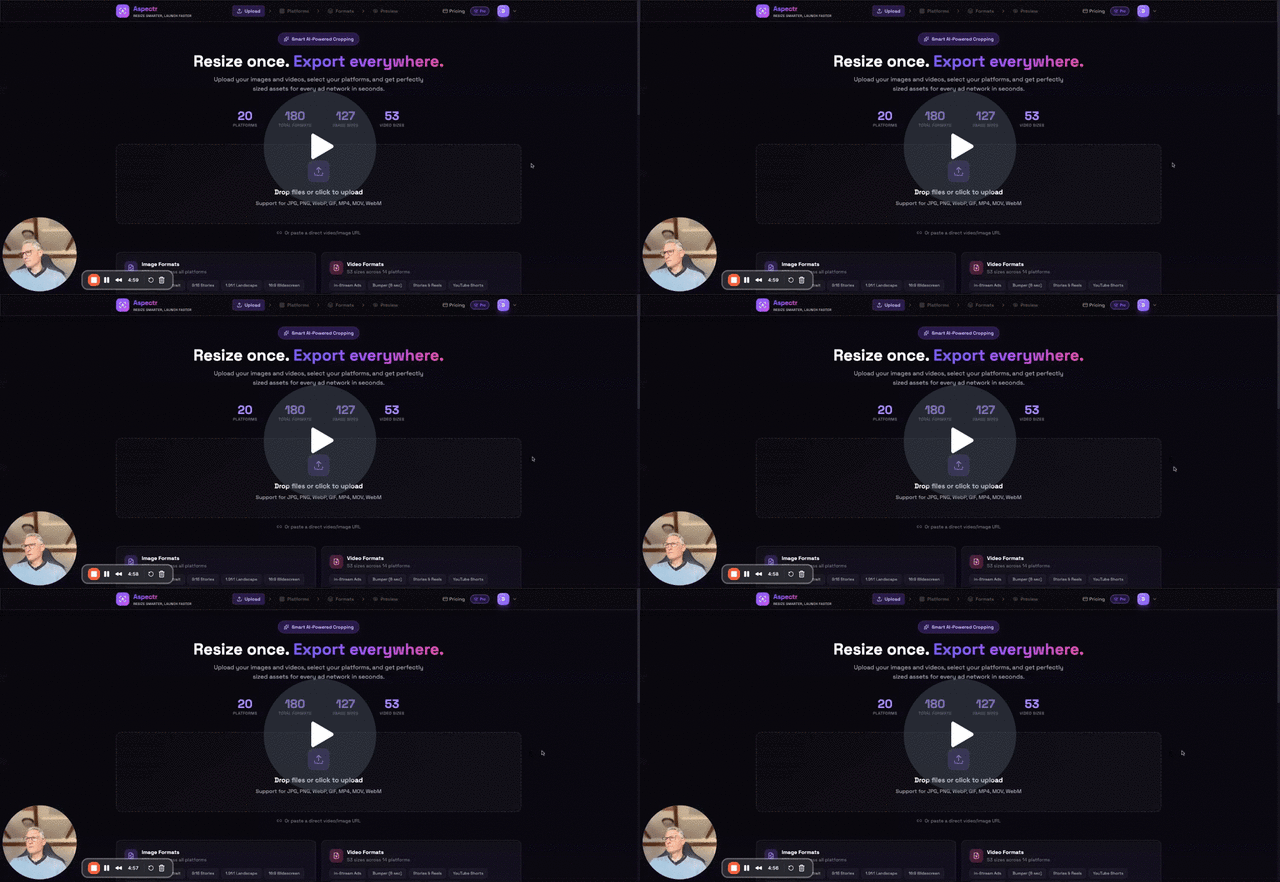
See Aspectr in Action
Watch the complete workflow from upload to download
Supported Platforms
All major ad networks, ready to go
Image Formats
184 sizes across all platforms
Video Formats
111 sizes across 18 platforms
100% Platform Spec Compliance
Every export meets exact platform specifications — or we'll fix it free. No more rejected ads or manual rework.
Simple, Transparent Pricing
Two plans, no caps. Add unlimited video on Full Plan.
Image Plan
Unlimited image resizing
billed annually
Full Plan
Unlimited everything
billed annually
Why Aspectr?
Built for marketing professionals and agencies
Instant Processing
Upload once, get all sizes in seconds. No more manual resizing in Photoshop.
Smart Cropping
Automatic subject detection keeps focus on what matters across all sizes.
Platform Compliant
Every output meets exact platform specs. No rejections, no rework.
Bulk Download
Get all formats in organized folders, ready for your ad manager.
Overlay Presets
Brand every export with reusable overlay presets — logo, text, CTA.
Video Resizing
Resize videos for Reels, Stories, Shorts — with smart cropping and overlays.
Frame Extraction
Pull still frames from any video for thumbnails, social posts, or stand-alone ads.
Custom Sizes
Need a non-standard size? Add custom sizes for any project.
Frequently Asked Questions
Everything you need to know about Aspectr
Images are processed entirely in your browser. They never leave your device and are never uploaded to our servers. Once you close the tab, they're gone.
Videos require server-side processing for resizing. They're uploaded securely to our processing partner (Transloadit), encrypted in transit, and automatically deleted within 24 hours of processing. We never store or access your video content beyond what's needed for resizing.
You have full control. Adjust the focal point before processing, and preview every crop before you export. If something doesn't look right, tweak it until it's perfect.
Absolutely. Upload MP4 or MOV files and resize for Stories, Reels, Shorts, and more. Plus, you can select the perfect frame for thumbnails or stand-alone image ads.
For images: JPG, PNG, WebP, and GIF. For video: MP4, MOV, and WebM. Exports are optimized for each platform's requirements.
Yes, no contracts or commitments. Cancel your subscription anytime from your account settings. You'll keep access until the end of your billing period.
We actively monitor major ad platforms and update our formats regularly. If you notice an issue, contact support and we'll prioritize the fix.
Yes! Start free with no credit card required. Test the full workflow and see your results before committing to a plan.
Overlay presets let you add your logo, text, and call-to-action buttons on top of your images and videos. Create a preset once with your branding elements, then apply it across all your ad formats automatically. Each format gets the overlay positioned correctly, no manual placement needed. Available on all paid plans (Trial: 3 presets, paid plans: unlimited).
Yes. You can create multiple overlay presets, for example one for Instagram Stories and another for YouTube Thumbnails, and assign different presets to different formats within the same batch. Each preset remembers its element positions, sizes, and timing (for video overlays).
Yes. When you upload a video, you can scrub through and select the perfect frame. That frame is then resized as a still image across all your selected formats. Great for thumbnails, social media posts, or stand-alone image ads derived from video content.
Yes. The video overlay editor includes a visual timeline where you set exactly when each element (logo, text, CTA) appears and disappears. You can stagger entries, overlap elements, or have them persist throughout the entire video. The timeline gives you frame-accurate control.
Ready to resize smarter?
Join marketers saving hours on every campaign.
View pricing →