Account Settings: Profile, Password, Billing, and Deleting Your Account
Manage your Aspectr account: sign-in methods, password changes and resets, the Stripe billing portal, processing history exports, and how account deletion works.
Everything about your Aspectr account lives on one Settings page: your profile, sign-in security, the subscription and billing surfaces, your processing history, and — if it ever comes to that — account deletion. This guide walks through each card.
Sign-in methods
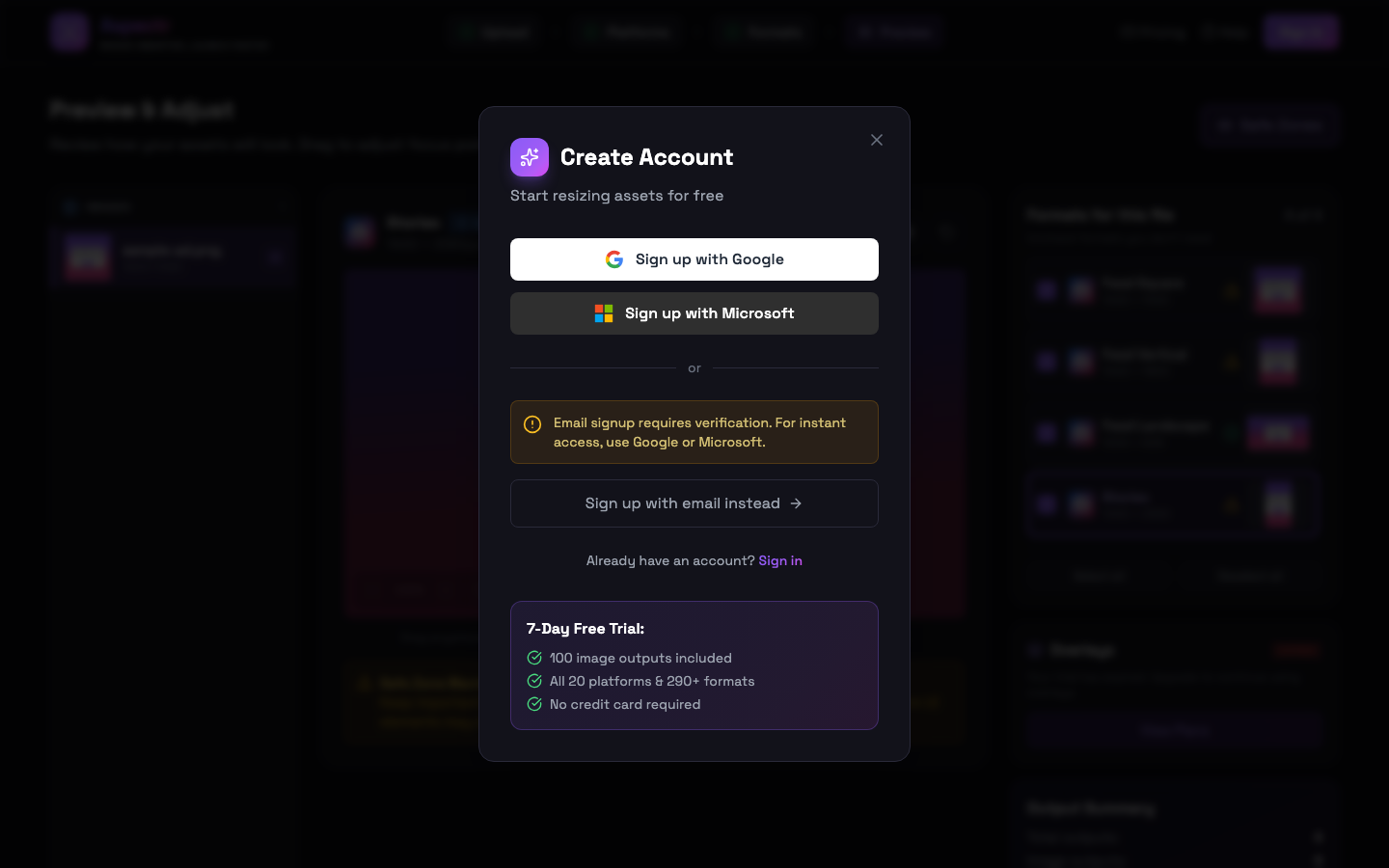
Aspectr accounts sign in with Google, Microsoft, or email and password. Email signups require verification: after signing up you land on a check-your-email screen, and the confirmation link activates the account. If the email doesn’t arrive, use the resend button on that screen.
Profile
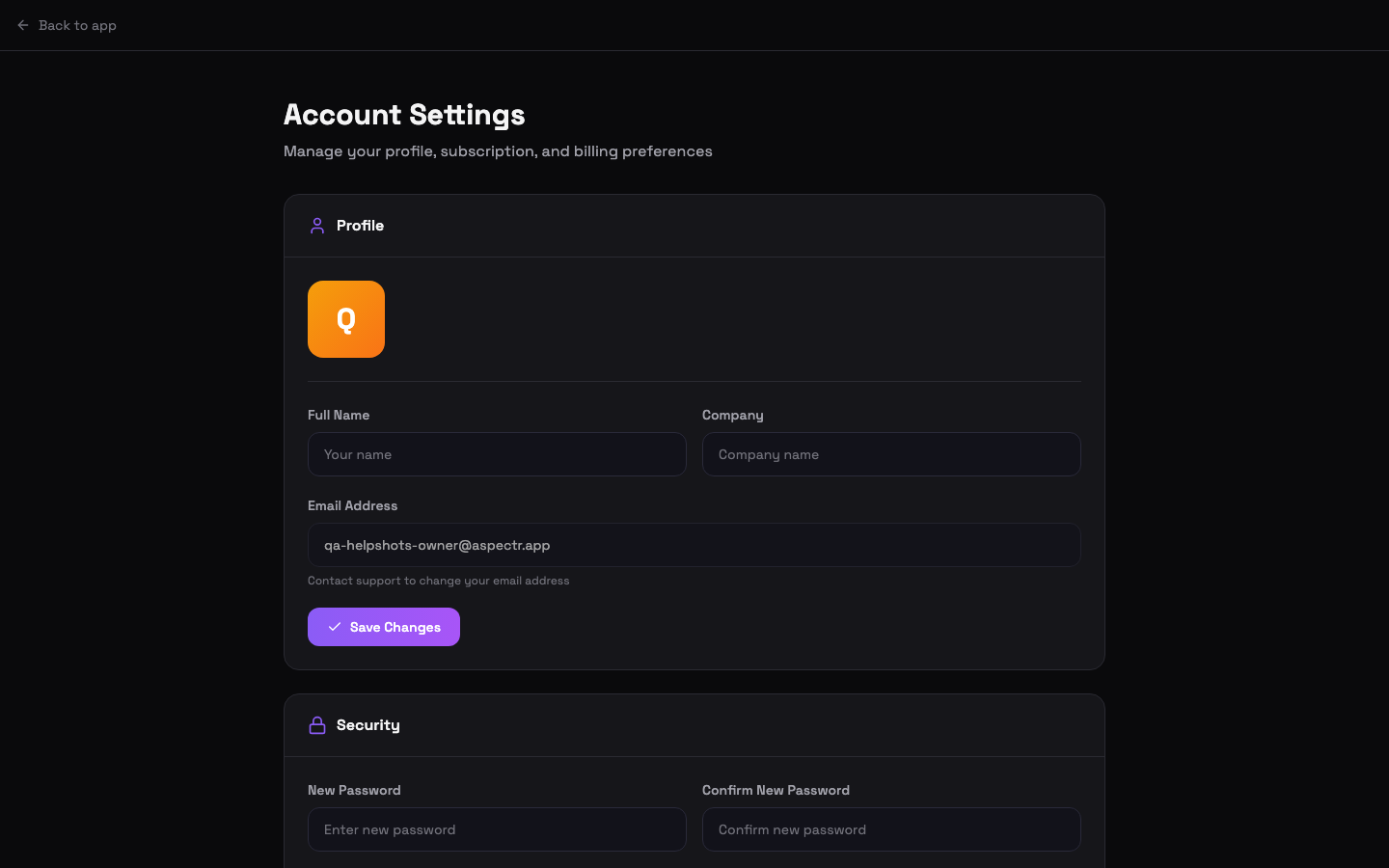
- Full name and company are editable directly in Settings.
- Avatar is auto-generated from your initial — there’s nothing to upload.
- Email address can’t be changed in-app — contact support@aspectr.app.
Password
Change your password under Settings → Security. Passwords need at least 8 characters with one uppercase letter, one number, and one symbol.
Forgot your password?
Click Forgot password? on the sign-in screen. Aspectr emails you a reset link that opens a set-new-password page. Links expire and are single-use — if a link doesn’t work, request a fresh one and use it right away.
Subscription and billing
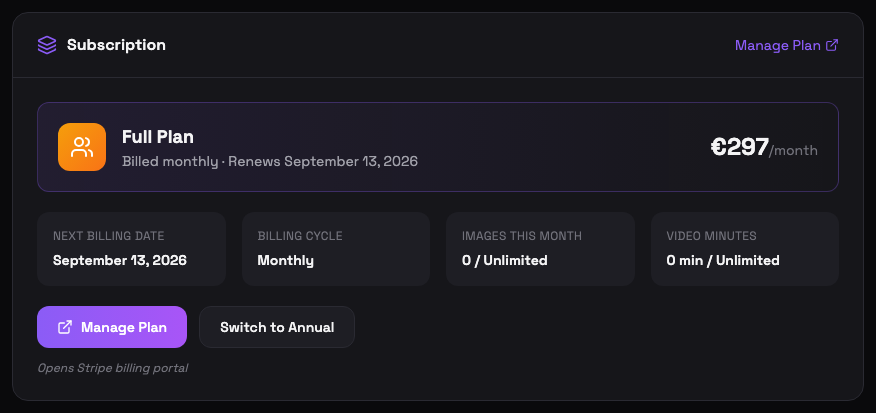
The Subscription card shows your current plan, next billing date, billing cycle (annual billing costs less per month), and this month’s usage tiles. Manage Plan, Upgrade Plan, and switching between monthly and annual billing all open the secure Stripe billing portal — payment methods and invoices live there too. Upgrades apply immediately; downgrades take effect at the next billing cycle. Plan options and prices are on the pricing page.
Processing history
Full Plan accounts get a Recent Activity table plus a CSV export with a date-range picker covering up to 24 months of history. Image Plan and trial accounts see an upgrade teaser in its place.
Cancel your plan
Cancellation goes through the Stripe portal as well. Your plan stays active until the end of the billing period you’ve already paid for.
Delete your account
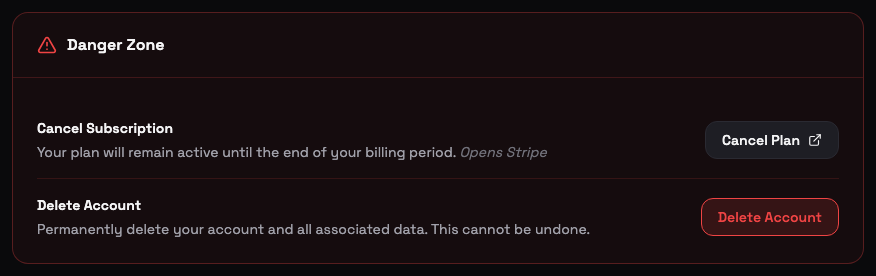
In the Danger Zone at the bottom of Settings, type DELETE to confirm. Deletion is immediate: it cancels any subscription, deletes your profile, and signs you out.
- Annual subscribers forfeit the remaining prepaid period — no refund, per the Terms.
- Data retention — data is retained for 24 months per the Privacy Policy.
Common questions
Not in-app. Your full name and company are editable in Settings, but email changes go through support — write to support@aspectr.app and we will take care of it.
From the Subscription card in Settings — the switch opens the secure Stripe billing portal, where the change is handled like any other plan update. Annual billing costs less per month; current rates are on the pricing page.
Cancellation happens in the Stripe billing portal, and your plan stays active until the end of the billing period you already paid for. You keep full access until then.
No. Deletion immediately cancels any subscription, deletes your profile, and signs you out. Annual subscribers forfeit the remaining prepaid period (no refund, per the Terms). Data is retained for 24 months per the Privacy Policy, but the account itself cannot be restored.
Reset links expire and are single-use, so a link that was already clicked (or sat in the inbox too long) stops working. Go back to the sign-in screen, click "Forgot password?" again, and use the fresh link right away.